A receiver plug layout does not establish radio compatibility; the manufacturer protocol does.
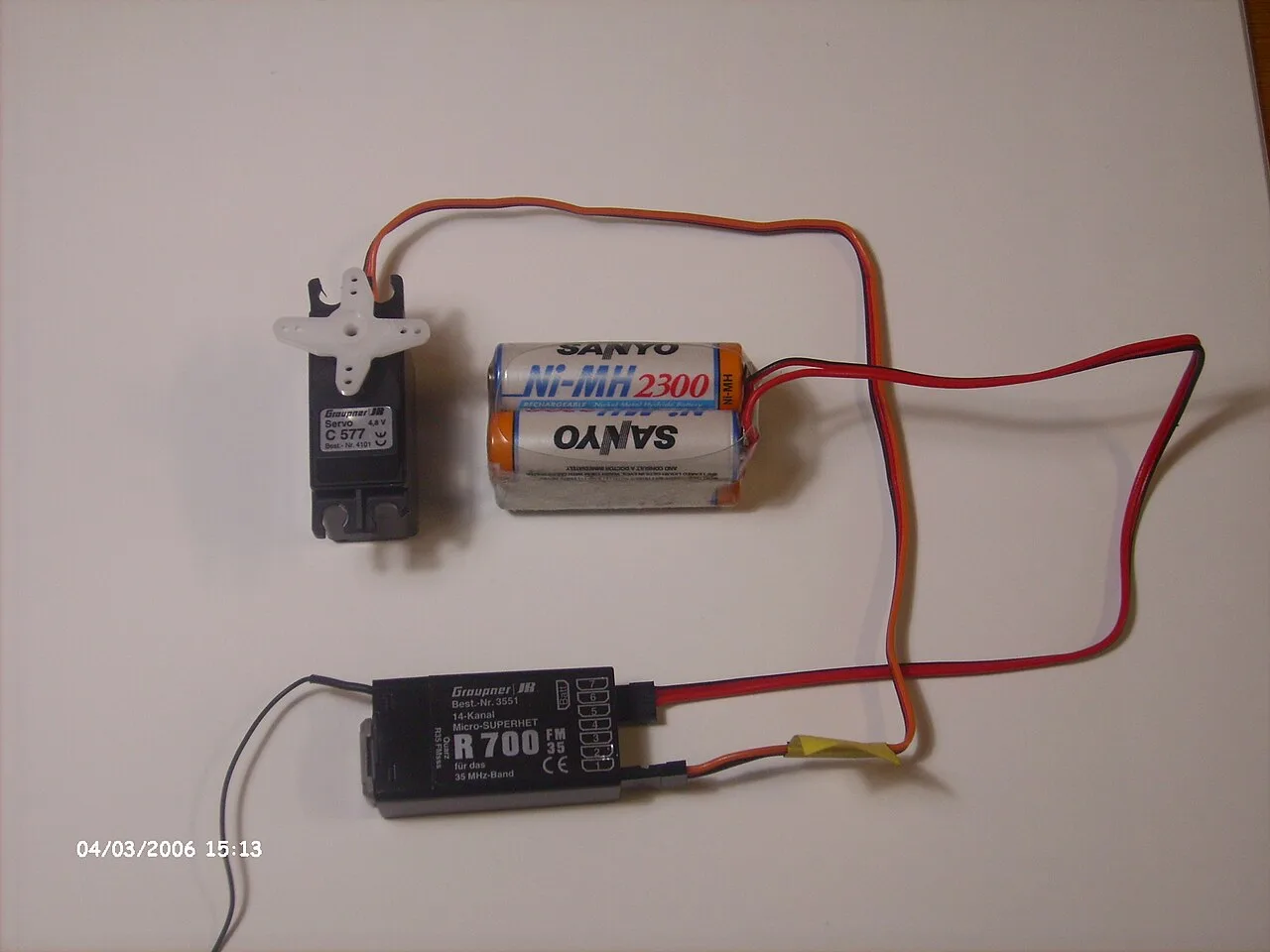
Historical RC-aircraft control components, including a 35 MHz receiver. This is not a current car-radio recommendation; connector appearance cannot establish compatibility.
Michael32710 · CC BY-SA 3.0
Photo credit & source ↗
View the teaching schematic
Radio compatibility begins with the RF protocol, not the shape of the servo sockets. A receiver can accept familiar three-wire plugs yet be unable to understand a transmitter. Build a compatibility record from current manufacturer documents before buying, rewiring or attempting to bind.
Create a five-line identity card
Write the exact transmitter model, receiver model, published protocol, intended vehicle class and firmware requirement. Then add receiver input range, channel count and the features you actually need. Spektrum’s official FAQ uses surface SR receivers and aircraft AR receivers as examples and explains that its surface and air protocols are coded differently. Spektrum FAQ. The narrow lesson is that brand alone is not a compatibility claim.
Distinguish three compatibility layers
RF compatibility answers whether transmitter and receiver can communicate. Electrical compatibility covers receiver supply and connected device requirements. Functional compatibility covers channels, telemetry, stability functions and failsafe options. Pass all three layers. A crawler using steering, throttle and a winch has a different channel plan from a basic two-channel basher even if either receiver can bind to the radio.
For each requirement, capture the official page or manual section that states it. “Same connector” and “seller says it works” belong in a notes column, not the evidence column. If a feature depends on a particular transmitter generation, firmware or programming device, record that dependency rather than treating the feature name as universal.
Resolve ambiguity before power
Do not use repeated bind attempts as a discovery method when the published protocol is unclear. A flashing LED can report a receiver state, not certify that the transmitter family is correct. Ask the manufacturer with both model numbers and relevant firmware versions. Do not move pins or repin a plug based only on wire colour.
Confirm a documented match safely
Once official documentation establishes compatibility, install the receiver with the drive battery disconnected and follow its bind instructions exactly. Put the car on a stable stand or use the manufacturer’s stated restraint method, with driven wheels clear. After binding, verify one channel at a time using small inputs: steering first, return to neutral, then the minimum throttle input needed to confirm the assigned channel. Power down before changing plugs.
Record bind indication, channel response and any missing feature separately. A successful bind proves communication occurred; it does not prove ESC calibration, correct failsafe behavior or telemetry setup. Mark optional features as required, useful or irrelevant: a simple basher may not need the telemetry that matters to a data-focused racer, while an auxiliary winch channel may be central to a crawler.
Stop for unexpected motion, an unexplained receiver indication, conflicting voltage documentation or missing vehicle-class support. The useful support request includes the identity card and the exact failed layer rather than the vague question “Are these radios compatible?”
Leave with a useful record.
This is a reading aid, not a safety certification. Checks stay only on this page and reset when you reload.
Sources & scope
Primary references checked September 19, 2026. These dates describe source review, not publication of this site. Examples labelled hypothetical or illustrative are not tests.
Spektrum — Spektrum FAQ
Supports: Surface and air protocol distinction; bind troubleshooting..
Limit: Does not establish compatibility for all brands.
Source publication: not established · Checked: 2026-09-19